A safety warning that depended on email
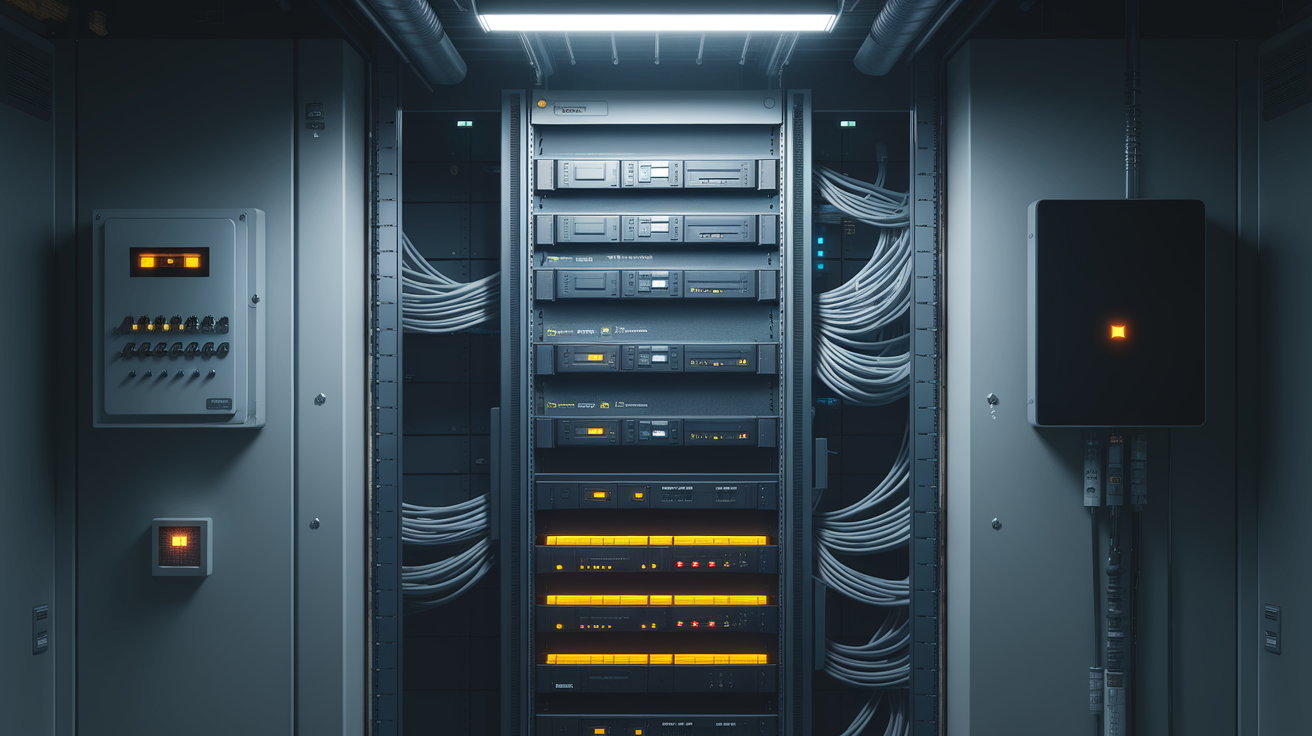
Between November 12 and 14, Microsoft 365 went down for three days. Tom's Hardware reported that at one hotel, a safety warning system that depended on email failed. Fifteen guests were exposed to chlorine gas, 40 first responders were deployed for triage, and four people were taken to the hospital. The report doesn't describe how the alert was wired, but it does show what matters to owners: when an office software service went down, a system meant to protect people in a building stopped doing its job.
Insurance Journal reports that global cyber insured losses from the outage are estimated at $100 million to $700 million. Insurers are treating it as one event with losses spread across many businesses.
Let's demystify this. The owner decides what keeps working inside the building when an outside service is unavailable. Most buildings make that decision by accident, one installation at a time. So the useful question for this week is this one: which functions in your building stop when someone else's service stops, and which of those should keep running locally no matter what?
How a building function ends up depending on someone else's cloud
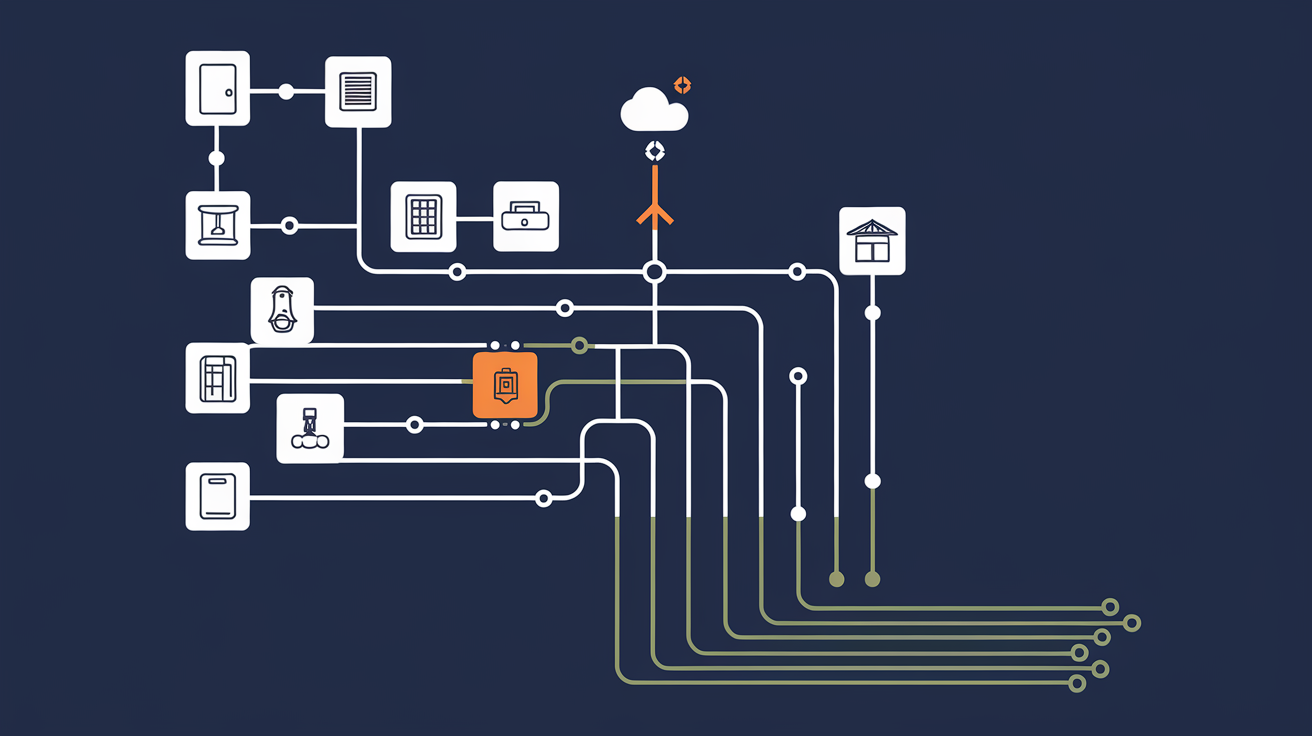
These dependencies build up quietly. A new access control system goes in, and its management runs through the manufacturer's cloud portal. A few years later the building automation system is upgraded, and remote scheduling now runs through a different vendor's hosted service. Each installer made a reasonable choice for one system. Each vendor brought its own connection out of the building, its own login, and its own idea of what the system does when the internet is down. Nobody added them up.
Realcomm's Buildings on High Alert briefing notes that building automation, HVAC, access control, communications, and electrical systems increasingly depend on interconnected technologies and third-party platforms, and that when those platforms fail, building operations, business continuity, and occupant safety can all be affected.
Most buildings have no written record, kept function by function, of which outside service each system needs in order to work. Without that record, the on-site team usually finds the dependency during the outage itself. A warning system that depends on email gives no sign that it has failed, so the day simply looks quiet.
For an asset manager, these dependencies turn up in lines you already track. An occupant safety event brings a claim. Tenants locked out of a suite raise retention exposure. A floor that stays warm because its schedule couldn't load brings complaints and service calls, and staff hours go to workarounds. Each one adds operating expense or risk, and each one comes out of NOI.
Outside connections are now targets
The Cloud Security Alliance writes that the FBI has issued a flash warning about autonomous attacks, and CSA held an emergency session for security chiefs on November 17 to work through defenses.
I think attackers now have reason to go after the same connections that fail by accident. Every vendor connection with its own credentials and its own route out of the building is one more place where trouble can get in. When a building's systems all sit on one flat network, a single compromised service could also interfere with systems that have nothing to do with it.
Vendors will keep improving their reliability, and outages will still happen. The building's own protection comes from how its systems are arranged: which ones are kept separate, which ones run locally, and who holds the credentials.
What to keep local, and how
First, map the dependencies one function at a time. List life-safety alerts, door access, elevator communications, HVAC schedules, lighting control, metering, and tenant connectivity. For each function, write down whether it needs an outside cloud service, which service, and what happens if that service is unavailable for a day. The map usually shows that some functions depend on a vendor portal or an email account that nobody had linked to them.
Second, keep the critical functions on a segmented local network that the owner controls. Life-safety notification, door access, and core HVAC and building automation control should keep running inside the building when an outside service goes away. Cloud dashboards and remote access can sit on top of that local layer. OpticWise calls this approach BoT® (Building of Things®): building systems run on one secure, segmented foundation the owner controls, so a failed or compromised connection stays contained. When a new door controller or thermostat vendor arrives, the vendor connects to the network the owner already runs and follows the owner's rules. No vendor brings in its own separate network and its own separate exit.
Third, decide how each system behaves when it loses its outside connection. A door system that keeps honoring the last good credential list is very different from one that locks everyone out. A safety warning should have a second path, such as a local horn or a text message, so that it still goes out when email is down. Plan each fallback deliberately, and test it.
Fourth, put it in the contracts. Each vendor agreement should give the owner the right to export all of the system's data, keep the administrator credentials with the owner, let the data move with the owner if the vendor changes, and spell out how the system behaves during an outage and how quickly the vendor has to respond.
If you don't own your data & digital infrastructure, your vendors do.
Each step costs something. Mapping takes staff time and usually uncovers work nobody planned for. Moving critical systems onto a segmented local network costs money up front and may change how some vendors connect. Contract terms are easiest to add at renewal, so the full set will take a while to put in place. If a property has very few cloud-dependent systems, the map will be short, and that is still worth having on paper.
Make it the standard at every property
The PPP 5C™ plan puts the work in order:
- Clarify: map which functions depend on which outside services, and document what is trustworthy and portable.
- Connect: put critical systems on a secure, segmented, owner-controlled local network, built the same way at every property.
- Collect: capture operating data from those systems in one consistent form, so you can see when something stops.
- Coordinate: set the access rules, credential ownership, and vendor rules every system has to follow.
- Control: decide, under owner permissions, which vendor platforms and cloud tools act on the building and what each system does when one of them is unavailable.
OpticWise designs, installs, and operates this kind of network for owners as a managed service, so on-site engineers and property managers can keep running the building without also becoming network specialists. Security and stability are designed in from the start. Stability, in this case, means the doors, alerts, and comfort systems keep working when a service outside the building fails.
The money follows a short chain. Fewer safety events and tenant disruptions mean fewer claims, lower retention risk, and fewer staff hours lost to workarounds. That protects NOI, and NOI divided by the cap rate sets what the asset is worth at refinance and sale. Underwriters reward documentation, so a property with a written dependency map and a local operating standard can show exactly what keeps running during an outage. A buyer's or lender's diligence team can use the same document.
Where do you want to start? If your next insurance renewal, refinance, or sale is coming up, start there. Put one property on Property Intelligence™, month to month, with a money-back guarantee. You'll compare its utilities, insurance readiness, and occupancy with applicable benchmarks and get prioritized plays. When you want the whole building mapped, a PPP Review™ is custom work, quoted as a project.