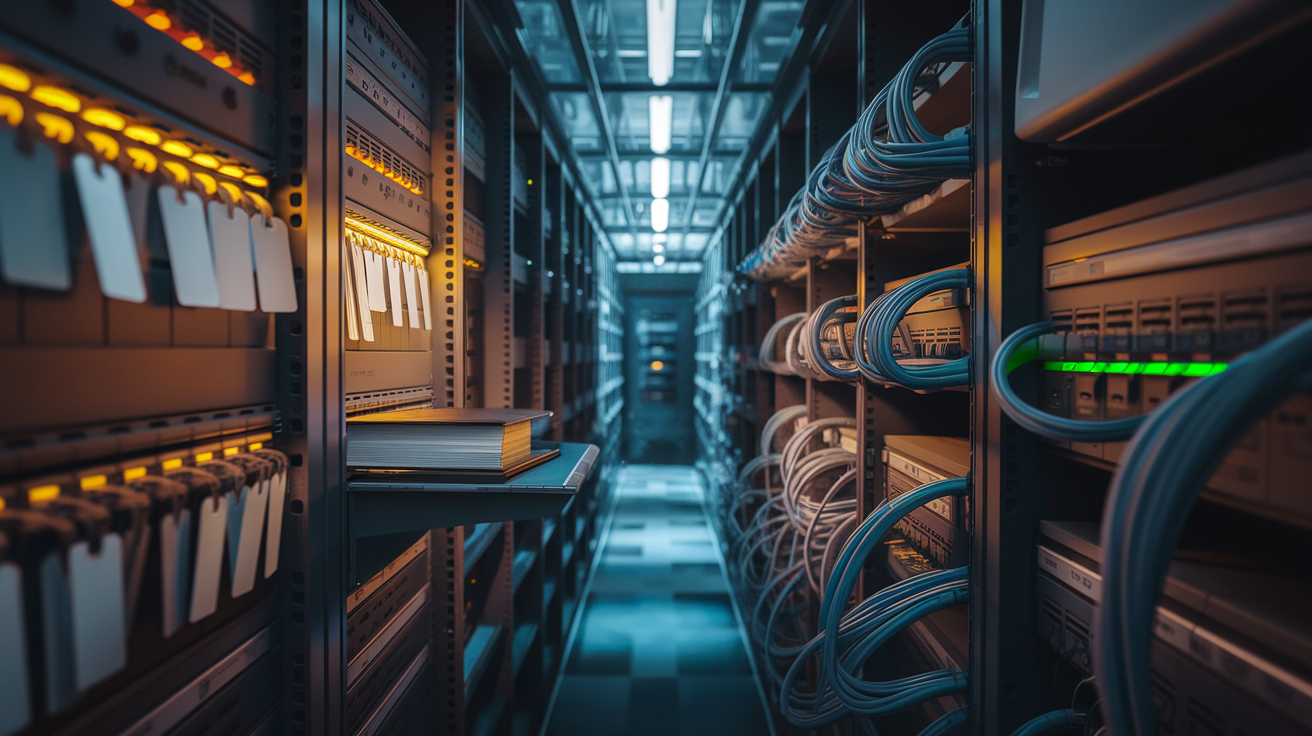
Two outages, two ordinary causes
Your building will go down at some point. How long it stays down depends on what your team can see and change on the night it happens.
This month brought two examples, and neither involved an attack or a dramatic equipment failure. During a Monday night football game, the stadium lights went out. According to NBC Sports ProFootballTalk, the cause was a routine maintenance schedule that nobody had changed. The schedule kept doing exactly what it had been set up to do, at a time when nobody wanted it to.
The second was at Microsoft. A Microsoft 365 outage lasted about 24 hours. Microsoft's own report, covered by BleepingComputer, traced it to three things: a bug introduced in July, test hardware that didn't match the live system, and no failover for Exchange. The bug started the outage. The mismatched test hardware explains why nobody caught the bug earlier. The missing failover explains why one failure took the service down for a full day.
Commercial buildings have the same kinds of causes. Equipment in your buildings runs on schedules someone set years ago. Your systems have been patched and upgraded by companies whose test environments look nothing like your property. Some of those systems have no backup path at all.
Vendors are part of your building's exposure
The third story this month is about who can reach your systems. JPMorgan disclosed that some of its vendors were hit by a cyberattack. The report doesn't say what, if anything, the attackers reached at the bank itself. It does show that a large company's security depends partly on the companies it hires.
Buildings work the same way, and most rely on more outside vendors than you might expect. The company that services your building management system (the controls that run heating, cooling, and ventilation) usually logs in remotely. The access control provider may run its system from a cloud service. The camera integrator may have left a remote connection in place so it can troubleshoot without driving out. Each of those connections is a way into your building that you didn't build and may not be able to see.
We see this all the time. A controls company sets up one remote login for its service team. Technicians come and go over the years, and the login stays the same. Then the owner asks for a list of everyone who can reach the building's systems from outside. Nobody can produce one, because the information sits in several vendors' records and never made it into the owner's.
Why the records go missing
Most of this comes down to how buildings get their systems. Each major system arrived with its own installer, and each installer built what that system needed. Access control went onto one network, and the cameras went onto another. The building management system got its own connection, and tenant Wi-Fi came from someone else again.
Each installer made a reasonable decision for its own system, but nobody wrote down the whole picture. The installer set the admin passwords and kept them. The drawings, where they exist, show what was planned. Nobody holds one document that says which vendor reaches the building how, which systems share equipment, or what to fix first when something fails.
If you don't own your data and digital infrastructure, your vendors do.
In practice, owning it during an outage means three things: you can log in, you know what's connected to what, and you decide the order systems come back.
What an outage costs an asset manager
An outage costs money in three places, and each one reaches NOI.
The first is operating expense. Emergency vendor visits and after-hours labor get billed at rates nobody budgeted. Those costs come straight out of NOI, and lower NOI means lower value, since value is NOI divided by the cap rate.
The second is income. A tenant whose staff couldn't get through the doors, or whose Wi-Fi dropped during a busy week, remembers it when the lease comes up. A tenant who leaves takes rent with them, and the suite usually sits empty for a while and costs money to re-lease.
The third is insurance and diligence. Property insurance has become one of the fastest-rising costs an owner carries, and underwriters reward documentation. A buyer's diligence team asks similar questions. An owner who can show how the building's systems are separated, who can reach them, and how recovery works gives a stronger answer than an owner who has to ask the vendors. I think that difference will matter more over time, as insurers and buyers learn to ask about building systems the way they already ask about roofs and fire protection.
Three things to have in place
None of these requires buying a new product. Each is a standard you set for the property, and your vendors work inside it.
First, have a segmented network that you document and hold the admin credentials for. Segmented means each system runs in its own section of the network, with rules about what can talk to what. When the cameras have a problem, it stays with the cameras. When one vendor's login is compromised, it can't be used to reach the other systems. To check where you stand, ask who holds the admin credentials for each network in the building. If the answer for any of them is the installer, or nobody knows, fix that one first.
Second, keep a one-page vendor access record. For each vendor, write down what system they support, how they reach the building (on-site equipment, a cloud service, or remote login), which part of the network they touch, who holds the credentials, and when the login was last changed. Most properties fit on one page. To test it, hand it to your property manager and ask them to name, for each remote connection, the vendor and the person responsible for it. Anything they can't answer goes on the to-do list.
Third, have a recovery plan you have run at least once. For each system, decide who is called when it fails, who they call next, and how long it can be down before it becomes a tenant problem or a safety problem. Then test it on a quiet day, on paper or for real, and record how long each step took. Include the schedules: list which systems run on timers and who last reviewed them. The stadium lights went out because a schedule nobody had looked at was still running.
The written result of that test is what makes the plan worth having. It shows you which step takes longest and which phone number is out of date, and you can fix those before a real outage happens.
Once one property has all three, use it as the model for the next. The access record and recovery plan follow the same format from building to building, so the second property should go faster than the first.
Where Property Intelligence™ and Property Brain™ fit
Property Intelligence™ is where to start. It lets you compare your utilities, insurance readiness, and occupancy with applicable benchmarks and get prioritized plays. It works from the bills and exports you already have, so you don't need a network project before you begin. On the insurance side, it shows where your property stands and which plays to run first, so the three steps above can go to the properties where they matter most.
Property Brain™ is the next step. It lets you analyze data across your property's systems to investigate how the building is operating and answer questions the benchmark leaves open. Outages raise those questions quickly. Which systems depend on which? What changed in the hours before the failure? Was a timer still running on settings from years ago? Answering them takes a view across the systems themselves, held under your credentials, so the history stays with you if a vendor changes.
Where do you want to start?
If an insurance renewal, refinance, or sale is coming up, begin there, because the documentation from the three steps above helps with every one of them. Choose the property where an outage would cost you the most, and start Property Intelligence™ on it. It runs month to month with a money-back guarantee, and the first report will show you where that property stands and what to do first.