A sale you didn't sign
The company that makes, supports, and updates the security system in your building can be sold without your vote. After a sale, someone you never chose decides that product's roadmap, its pricing, and its support terms.
That happened in October. On October 26, 2026, Johnson Controls announced an agreement to sell its global intrusion products business to Truelink Capital, according to Memoori's research note on the company's 2026 results. The same note describes a company putting more of its attention on data centers. According to the note, the intrusion business includes DSC, Qolsys, and Visonic.
Let's demystify what that means for an owner. Nobody has said what changes for existing customers of these products, and many owners will see no difference at all. What you can decide is how much a change in vendor ownership could affect your building. That depends on four things you can check this month: the network the system runs on, who holds its logins, whether you can get its records out, and whether anyone has a current list of what's connected.
Four things that decide who's in control
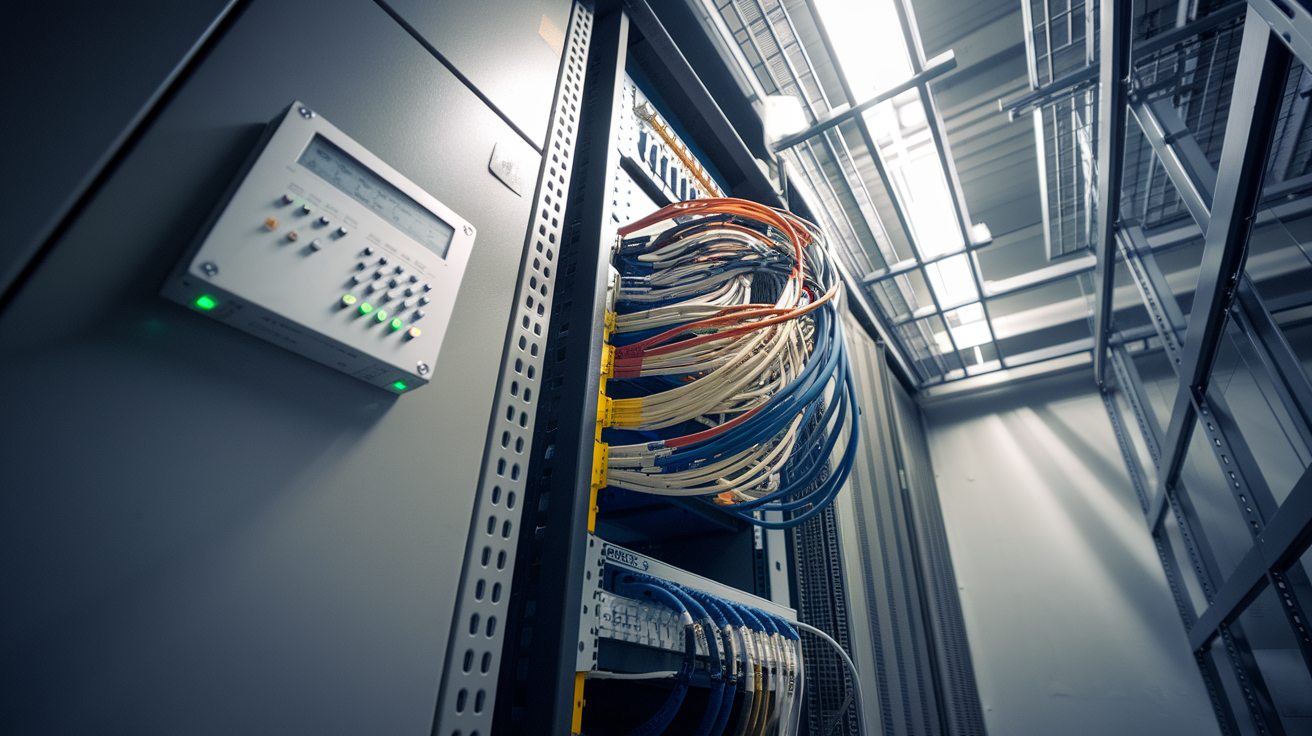
The network. Security panels, controllers, and cameras need a network. Often that network was built as part of the security installation, to the installer's own standard, and the owner has no drawing of it. The better setup is a separate, protected section of the owner's own network, built to the owner's standard and documented, where the security system has its own space and its own rules.
The logins. Someone holds the administrator account for the controller, the panels, and any cloud service the system reports to. If that person works for the vendor or the installer, every change to the system goes through them, including the change you'd make to replace them.
The records. A security system keeps a log of alarms, door events, arming and disarming, and setting changes. That log is what you use to investigate an incident, answer an insurer's question, or show a buyer how the building has been run. You should be able to pull the full log out yourself, in a standard file, on the day you want it.
The device list. Building systems such as security, access, HVAC controls, and lighting run on what the industry calls operational technology, or OT: the equipment that runs the building, as distinct from the computers people work on. Can anyone on your team produce a current list of every device on that network, what it does, and who installed it? In a lot of buildings, nobody can.
As I put it on PPP Podcast Ep. 27:
"I have the right to repair. I have the right to access. I have the right to make this data portable. It's my data. I just happen to be using you, Mr. Vendor... but I don't have to."
Those rights are real only when the owner holds the network, the logins, the records, and the list. Each one depends on the others. The logins matter less if you don't know which devices they open, and an export is hard to use if you can't say which system produced it.
What a vendor sale could cost, step by step
Take a building where the intrusion system runs on a network the installer built, the vendor holds the logins, and nobody has a device list or a way to pull the records.
After a sale, the new owner of the product line would be within its rights to change support terms, licensing, or the cloud service the panels report to. If one of those changes doesn't suit you and you decide to switch providers, the work in this building would mean technicians on site to find and reset every device, new logins on each one, and possibly new wiring, because nobody can say for certain what's on the network or how it's connected. The alarm and door history would likely stay behind on the old platform.
Each step costs money. Service visits and new support contracts become operating expenses you didn't plan for. Replacement work that wasn't in the capital plan competes for the same dollars as the work that was.
The same weakness shows up when an insurer asks how the building's systems are secured. An owner who can hand over the device list, the login records, and the event log answers from documents. An owner who has to ask the vendor for those things answers on the vendor's schedule, at the vendor's level of detail.
It shows up in diligence too. A buyer's team that finds an undocumented building network, with logins held by a vendor that recently changed owners, has found a risk it can put a number on, and it will use that number in the price conversation.
Each of these costs ends up affecting the same figure. Unplanned operating expenses reduce net operating income, the income the property generates after paying its operating costs. Lenders and buyers value a property from that income, divided by a capitalization rate. So every dollar of recurring expense you didn't need to carry lowers what the building is worth, and a diligence finding can lower the price before a buyer even models the expense.
Why the device list comes first
The device list does two jobs at once. Securing a building network starts with knowing what's on it, so you can find the devices with old software or default passwords. Preparing for a vendor's change of ownership starts with the same list, so you know what would have to move. One piece of work serves the security review and the asset plan.
It's also work that rarely gets finished from inside the building. Property managers and IT teams are capable people with full jobs: running the property and running the corporate network. Building system networks use different devices and protocols, and a list put together between other tasks tends to be partial when it's made and outdated the next quarter. Treat it as a standing record someone owns and keeps current.
Keeping the history with the building
Owning the network and the device list protects your ability to replace a component. The history needs its own protection: a place to store the data that belongs to the owner and isn't tied to any one vendor's platform.
The case for this gets stronger as systems are read together. In The Hidden Layer, a Realcomm Live session on combining HVAC, lighting, and AV data, Sabine Lam of Distech and Acuity Intelligent Spaces and Scott Simpson of AVI-SPL XTG describe teams bringing together data from systems that are usually managed separately, so energy use can follow how people actually use the space. I think security works the same way. When access, intrusion, and video records sit in three separate vendor platforms, every incident review means pulling from three places. When those records flow into a store the owner controls, they're already side by side, and they stay put when one of the systems changes hands.
Where this fits in how we work
The steps above are what OpticWise builds and runs for owners, in two layers.
The first layer is the owner's foundation: we design the building's networks to a repeatable standard, install them with the separation, access rules, and documentation built in, and then operate them so the on-site team isn't asked to take on a second profession. Our name for that single, secure, separated foundation is BoT® (Building of Things®). The engineering discipline behind it is SIC®, which covers security, connectivity, and the owner's data & digital infrastructure as one job.
The second layer is the owner's data store. It collects each property's history into one consistent format under the owner's control, and it works with any vendor's software and any AI model the owner picks later. We call it Property Brain™. Set it up the same way across buildings and it becomes Portfolio Brain™, so what you learn in one property applies to the next.
The PPP 5C™ plan, part of Peak Property Performance®, puts the work in order:
- Clarify: build the device list and record who holds each login.
- Connect: move each system onto its own protected section of the owner's network.
- Collect: bring event history and settings into one consistent format.
- Coordinate: set the rules for logins, access, how long records are kept, and who may use them.
- Control: when a vendor changes hands, replace that component on your schedule, with the building's history intact.
If you don't own your data & digital infrastructure, your vendors do.
Here's what to do this month. Choose one property and ask your team for two things in writing: a list of every device on its security and access systems, with who installed each one and whose name is on its administrator login, and a full export of last month's alarm and door events that someone on your side pulled without calling the vendor. If either takes longer than a week, bring that property to a PPP Review, and we'll map what you control today and what it would take to change a vendor when you choose to.